


Creating a logo is an important step for any business. A good logo helps people recognize your brand and makes your business look more professional.
Today, AI logo makers make this process much easier. Instead of hiring a designer, you can create a logo in just a few minutes. But with so many tools available, it can be hard to choose the right one.
In this article, we’ll be taking a look at three popular tools: Design.com, Turbologo, and Designs.ai. Each one has its own strengths, so let’s break them down in a simple way.
Beyond the Icon: Must-Have Features for Modern Logo Design
Before choosing a tool, here are a few things to keep in mind:
- Design quality: Do the logos look professional?
- Speed: How fast can you create a logo?
- Customization: Can you easily edit the design?
- Options: How many logos can you choose from?
- Extra tools: Does it offer more than just logos?
Design.com
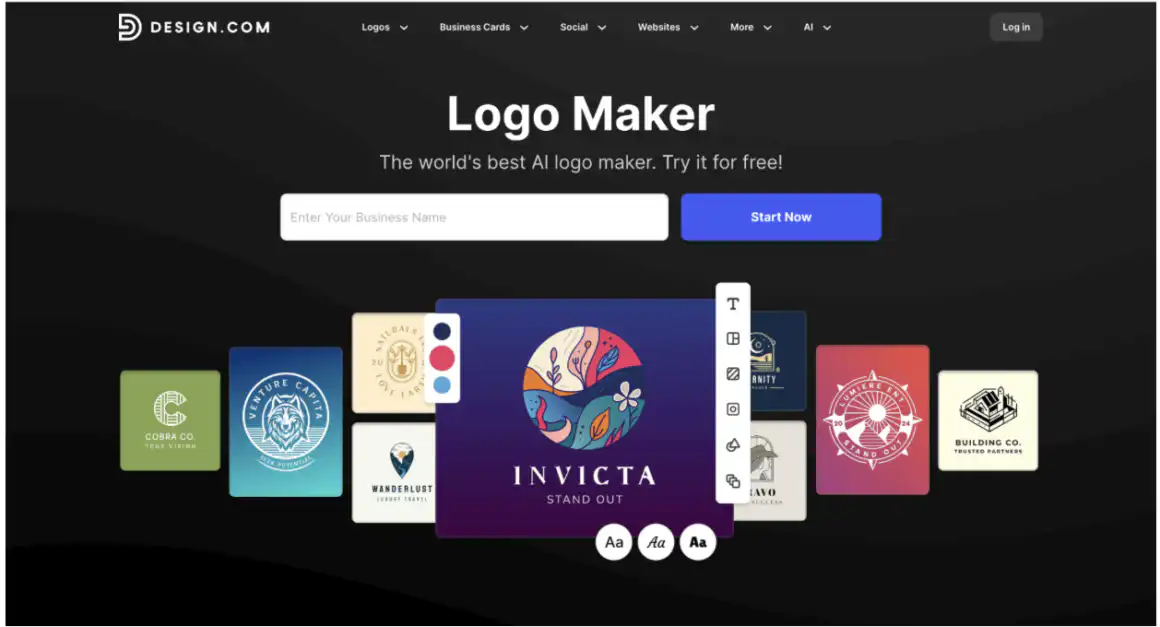
Design.com is a full design platform that focuses on speed, quality, and ease of use.
Strengths
- Huge library
It offers over 400,000+ logo templates and more than 1 million total designs.
- AI tools
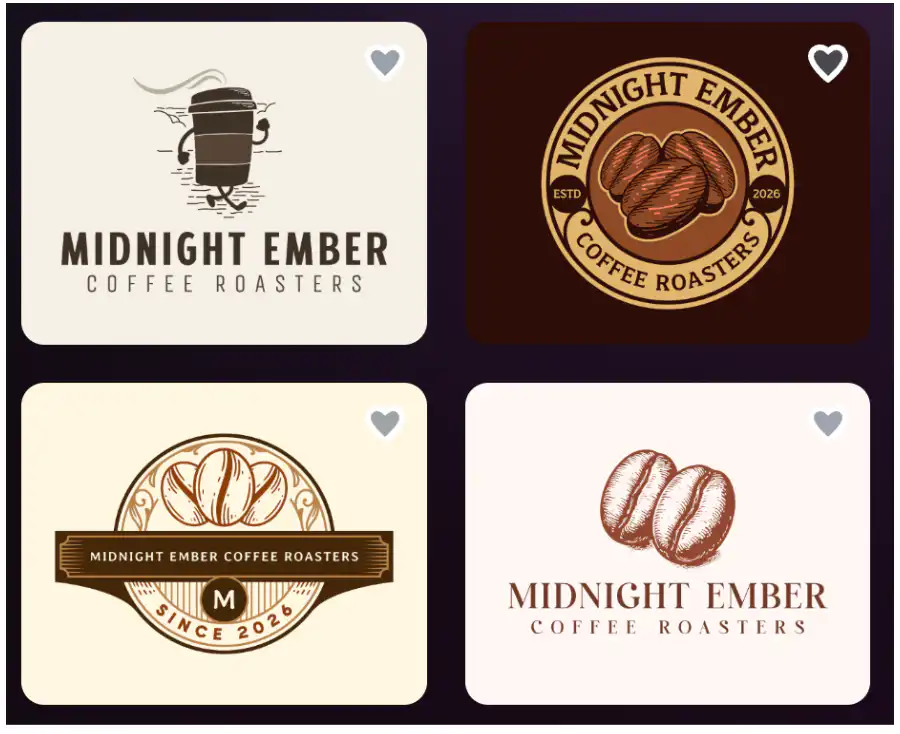
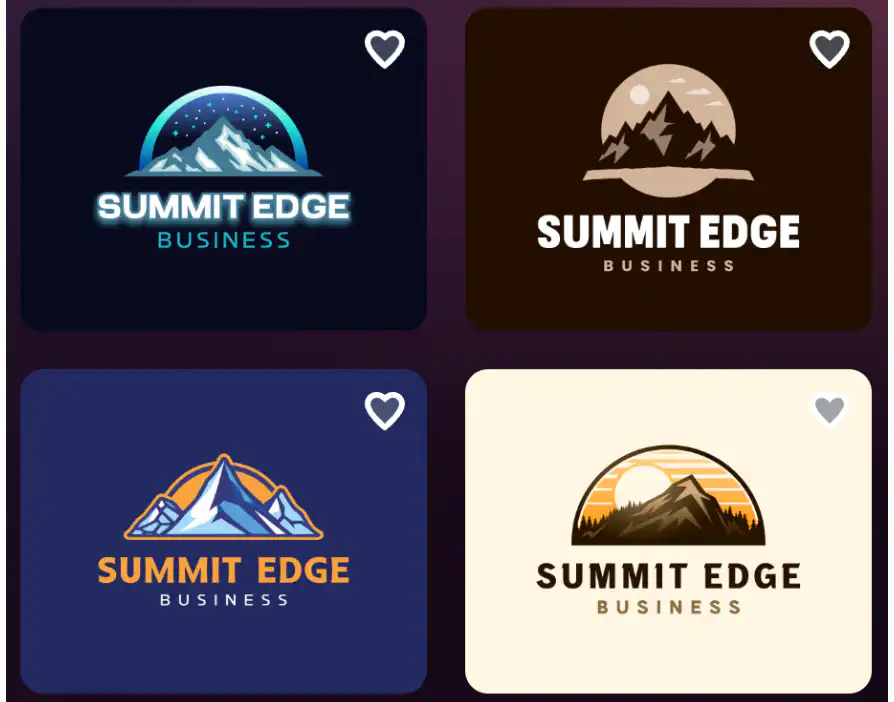
You can use AI to create logos, websites, business cards, and more. Here are some examples:
- Easy editing
You can quickly change colors, fonts, and layouts. There’s also AI help for editing logo icon & text.
- High-quality designs
Logos are created by professional designers and are made to be ready to use.
- Multiple file formats
You can download your logo in formats like PNG, JPG, SVG, and PDF.
- Extra tools
Design.com includes over 50 design tools, like social media posts, websites, and business cards.
Performance Overview
- Speed: Very fast — create a logo in seconds across all industries
- Quality: High — ready-to-use, unique designs
- Options: Thousands of logos & other designs generated instantly
- Quantity: A wide range of exclusive designs, 750+ fonts, 525+ exclusive fonts, etc.
- Ease of use: Very simple & beginner-friendly
Best For
Design.com is best for:
- Small businesses and startups
- Users who want quick, high-quality logos
- Anyone looking for an all-in-one design platform
Turbologo
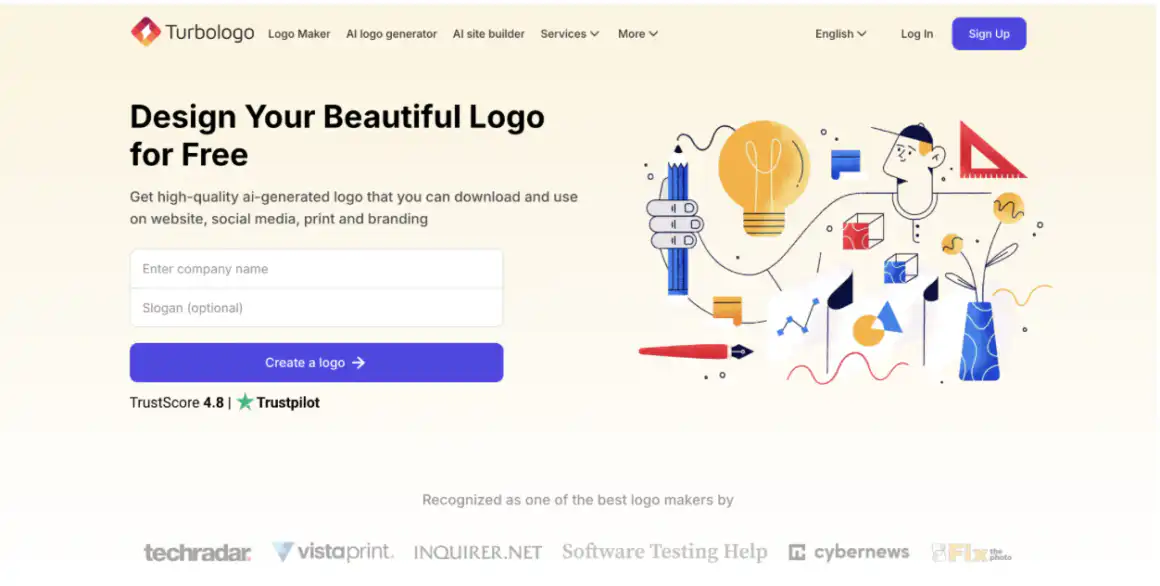
Turbologo is a simple AI logo maker that guides you through the design process.
Strengths
- AI logo generation
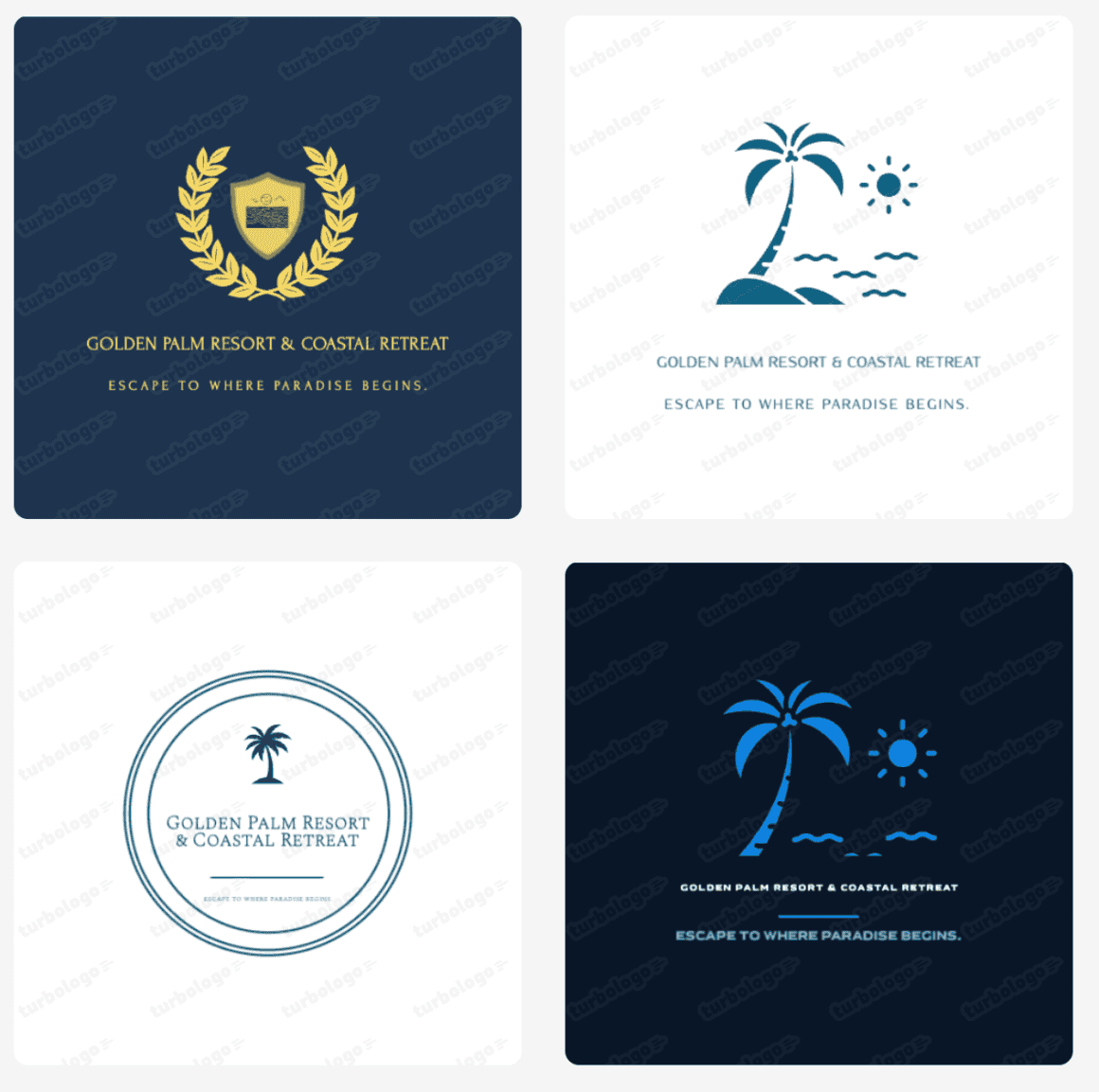
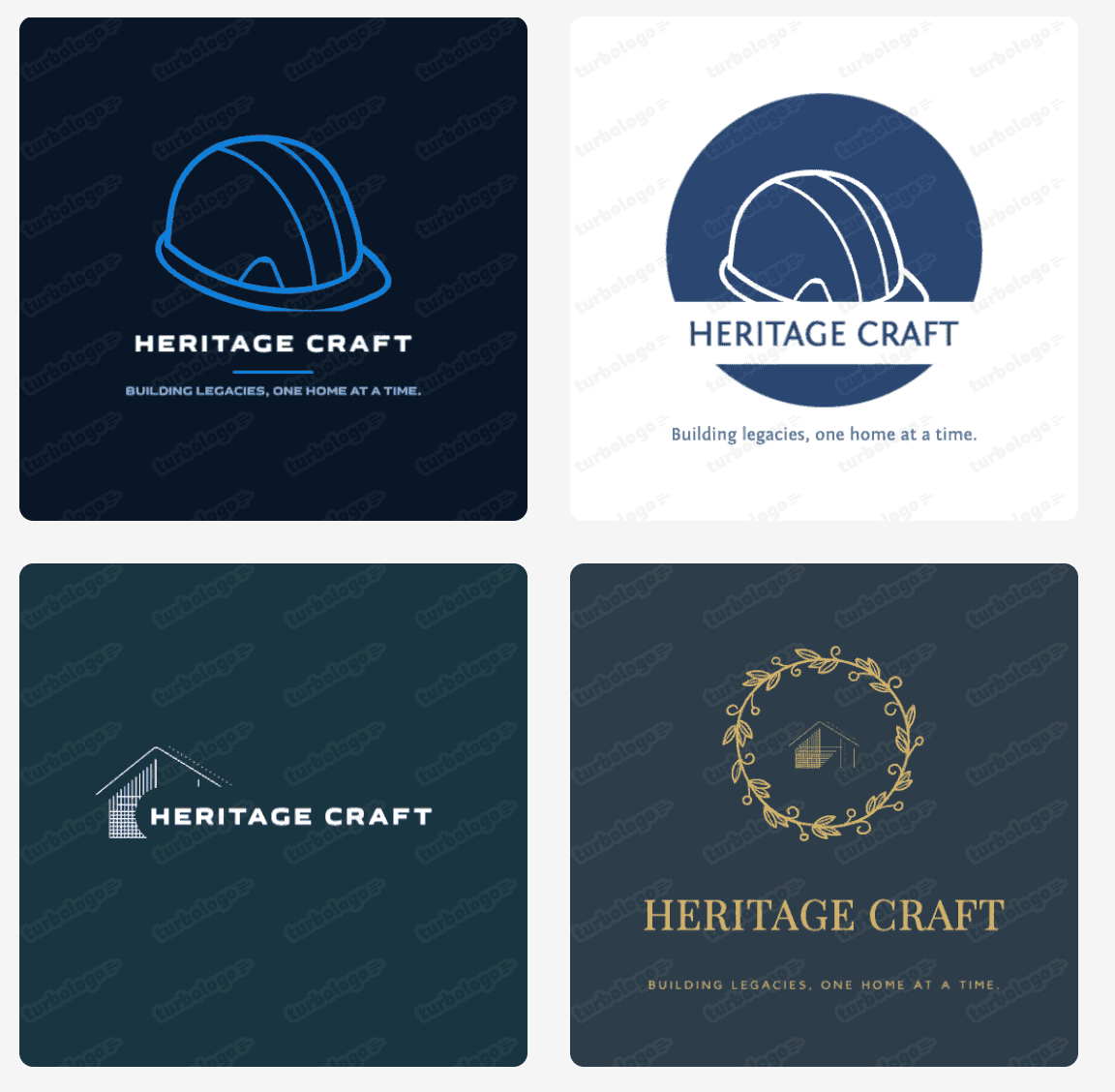
Turbologo generates hundreds of logo options based on things like business name, industry, and style preferences. Here’s what that looks like:
- Customization tools
You can adjust fonts, colors, icons, and layouts to personalize your logo.
- Logo previews on real items
The platform lets you preview your logo on things like business cards and T-shirts, so you can see how it will look in real-world use before downloading.
- Multiple file formats
You can also download your logo in formats like SVG, PNG, and PDF.
- Brand kit (higher plans)
Some paid plans even include brand kits with extra assets like social media graphics and business materials.
Performance Overview
- Speed: Medium — requires a few steps
- Quality: Mixed — some logos may need editing
- Options: Fewer designs compared to bigger platforms
- Ease of use: Easy to follow
Best For
Turbologo is best for:
- Users who want a simple tool
- Basic logo needs
- Small projects
Designs.ai
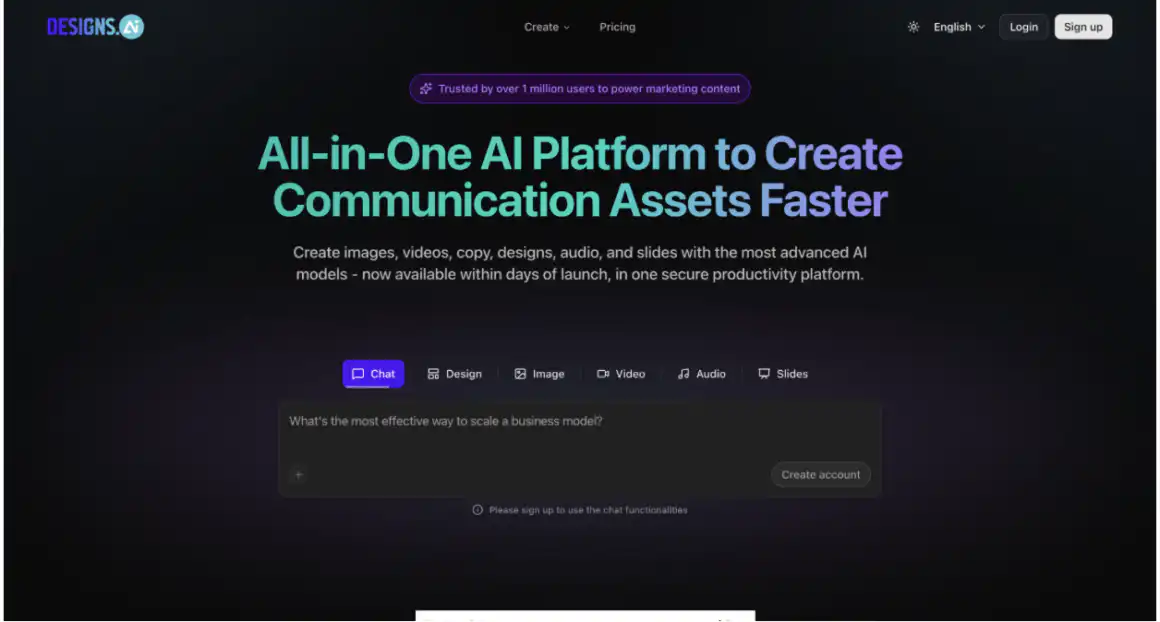
Designs.ai is an AI platform that offers more than just logo design.
Strengths
- AI logo generator
Designs.ai, similar to the other two tools, creates logos based on your inputs, like business name and style.
- All-in-one AI platform
It includes multiple tools for creating videos, graphics, and content, making it more than just a logo maker.
- Branding support
The platform helps users create consistent visuals across different formats, supporting a full brand identity.
- Content and design tools
In addition to logos, you can create marketing materials, making it useful for businesses that need more than just a logo.
- Simple editing tools
You can adjust colors, layouts, and elements easily, allowing you to refine your design without needing advanced skills.
Performance Overview
Speed: Medium
Quality: Good, but not always polished
Options: Moderate number of designs
Ease of use: Easy
Best For
Designs.ai is best for:
- Users who want multiple design tools
- Businesses creating different types of content
- Teams looking for an all-in-one AI platform
Key Differences
Here’s a simple comparison table to help you get a clear idea about the key differences of these tools:
| Feature | Design.com | Turbologo | Designs.ai |
| Design Quality | High | Mixed | Good |
| Speed | Very fast | Medium | Medium |
| Number of Logos | Very large (thousands) | Limited | Moderate |
| Templates | 400K+ logos | Smaller library | Moderate |
| AI Tools | Many tools | Basic | Multiple tools |
| Editing | Advanced | Basic | Standard |
| Extra Tools | 50+ tools | Limited | Many tools |
| Ease of Use | Very easy | Easy | Easy |
Conclusion
All three tools can help you create a logo, but they are built for different needs.
Design.com is the best choice if you want a fast, high-quality logo with lots of options and extra tools.
Turbologo is a good option if you want something simple and basic.
Designs.ai is better if you need more than just a logo, like other types of design content.
In the end, the right choice depends on what you need, but for most users, Design.com offers the most complete and easiest experience.


